
Ergonomics in the Office
Proper ergonomic controls in an office are crucial to help prevent musculoskeletal disorders. Work stations should be designed to fit the individual worker, which can lead to increased productivity, employee well-being, and reduced absenteeism. As an employer, it is important to provide good-faith efforts to reduce ergonomic hazards by taking a proactive approach.
Workers in many different occupations are exposed to ergonomic risk factors like lifting, bending, reaching overhead, pushing and pulling heavy loads or items, working in awkward positions, and performing repetitive tasks. While the risk of associated injuries is common knowledge for some professions, people often forget about office workers.
There are two main strategies to combat ergonomic injuries in office workers – engineering controls and administrative controls.
Engineering controls include solutions for rearranging, modifying, redesigning, or replacing tools, equipment, or work stations. Some allow the same space to fit many different body types with relatively minor changes.
Administrative controls are implemented to assist with reducing the duration, frequency, and severity of the worker’s exposure to ergonomic stressors by offering job rotation, micro breaks, stretching, and managing the length of time in a static position.
Ergonomic Improvements for the Office
Chairs: Choosing a chair that supports an employee’s spine is essential. Look for adjustable features for seat height, armrests, and backrest height. Pay special attention to the chair’s lumbar support, seat depth and width, and armrests. A reclining chair should easily recline but simultaneously maintain good back posture. For mobility, a five-pedestal base with casters is recommended.
Foot stools: If the desk height causes an employee’s chair to be positioned with their feet off of the floor, then they should be provided with a foot stool.
Desks: Underneath the desk there should be adequate space for both legs and feet. Employees should not store items under their desk as this will decrease the amount of available space.
Keyboards and mice: Keyboard placement should be directly in front of an employee, allowing their wrists and forearms to be aligned and maintain shoulder relaxation. The elbows should be at a proper angle and the forearms should lie on the desk surface. The mouse should be on the same surface as the keyboard and employees should avoid configurations that cause them to flex their hands and wrist.
Monitors: Monitors should be placed straight in front of the user, behind the keyboard, but no closer than 20 inches from the employee’s eyes and no further than 40 inches. The top of the screen should be at or slightly below eye level.
Laptops: Laptops are not good for ensuring the optimum ergonomic health of users. They can lead to discomfort because of the low screen height, cramped keyboard, and touchpad. If employees must use one, they should consider using an external keyboard and mouse and a laptop stand.
Workspace items: Individuals should keep objects that are used frequently close to their body to minimize reaching. If an employee uses a phone often, they should be provided with a headset, earbuds, or speaker phone. Employees should refrain from cradling the phone between their head and neck.
Best Practices for Avoiding Ergonomics Injuries
Encourage employees to report symptoms or injuries including carpal tunnel syndrome, shoulder pain, muscle strains, and back injuries. The earlier problems are reported, the sooner they can be addressed.
Ergonomics best practices include:
- Establishing engineering and administrative controls to reduce ergonomic risk factors.
- Involving employees in work site assessments, solution development, and implementation.
- Training for employees to increase awareness of proper ergonomics and its benefits.
- Periodically evaluating the effectiveness of the ergonomic process to make sure it continues to improve and maintain a long-term success rate.
Remember, no matter how well a workspace is set up, sitting in the same position for hours at a time is never good for a person’s body. Encourage employees to get up and walk or stretch as often as possible. Changing body position frequently and stretching for a few minutes several times throughout the day can reduce pain and increase productivity.
If you would like to talk to an expert in ergonomics, contact Walden today at 860-846-4069. We can help you develop solutions unique to each employee for the best outcomes.
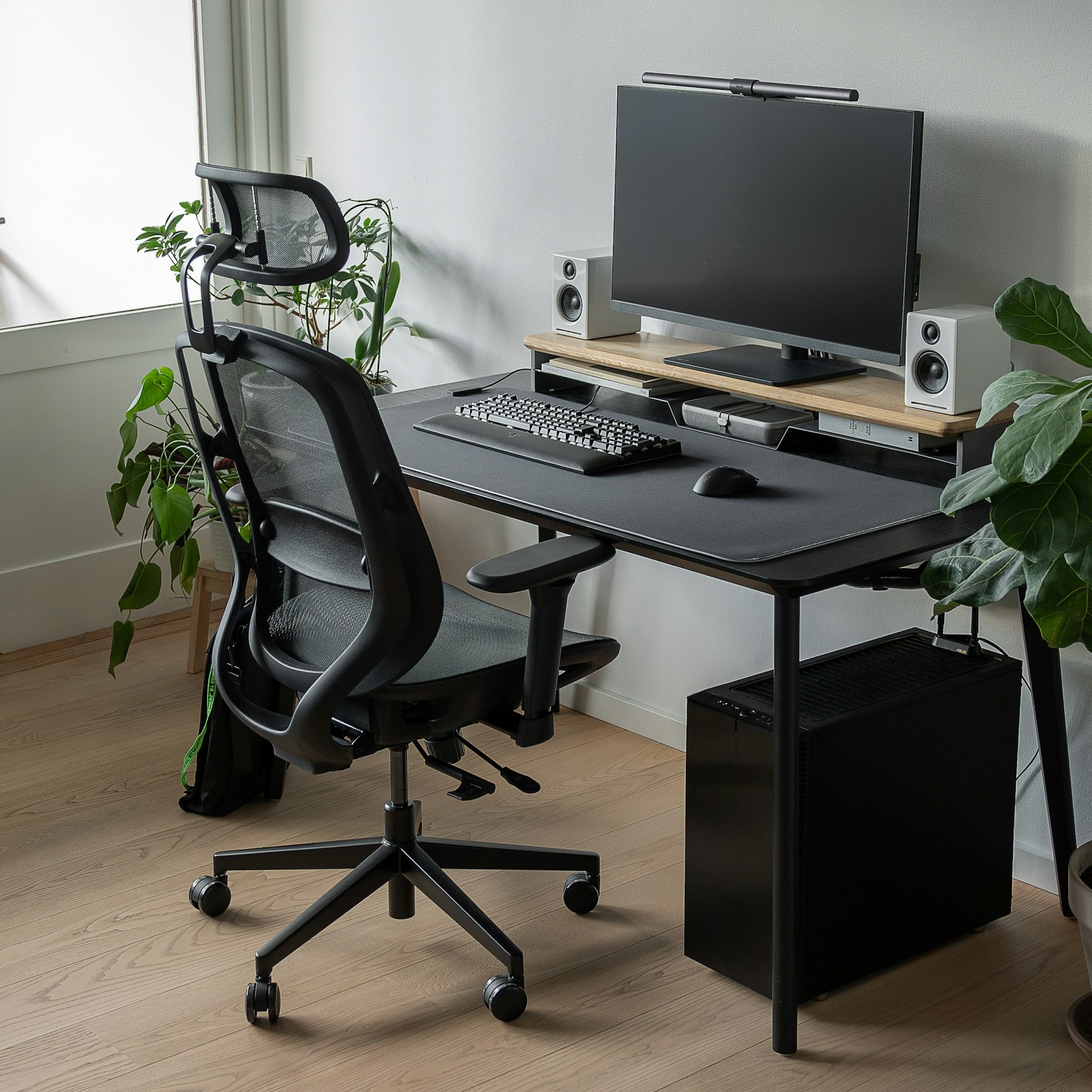
Photo by Lasse Jensen on Unsplash
Contact Walden’s Environmental Health and Safety team at 860-846-4069 to discuss ergonomic improvements for your workplace.